Mobile shooters are becoming more and more popular, despite the fact that controlling your movement, aiming, and firing on a mobile screen is quite difficult. There are quite a few shooters to choose from, but Call of Duty remains a dominant staple on the market, so let's see what it's all about!
Getting started and dropping into the action
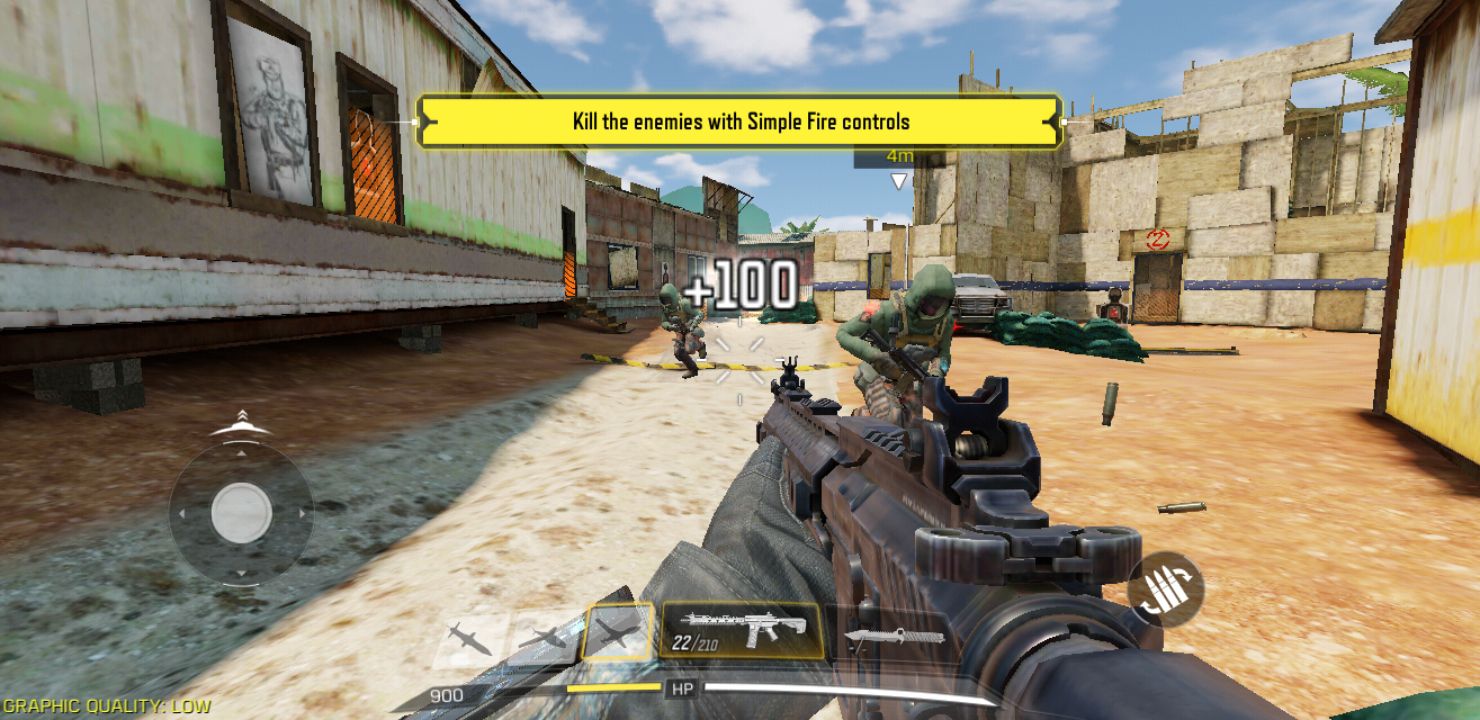
Call of Duty operates on a free-to-play model, and its initial download size has grown to over 2 GB. After signing in with a Facebook account, an Activision account, or as a guest, you have to complete a tutorial which guides you through the basic commands and game features. If you already played PUBG Mobile, you will quickly see the resemblance.Leveling up and building your loadout
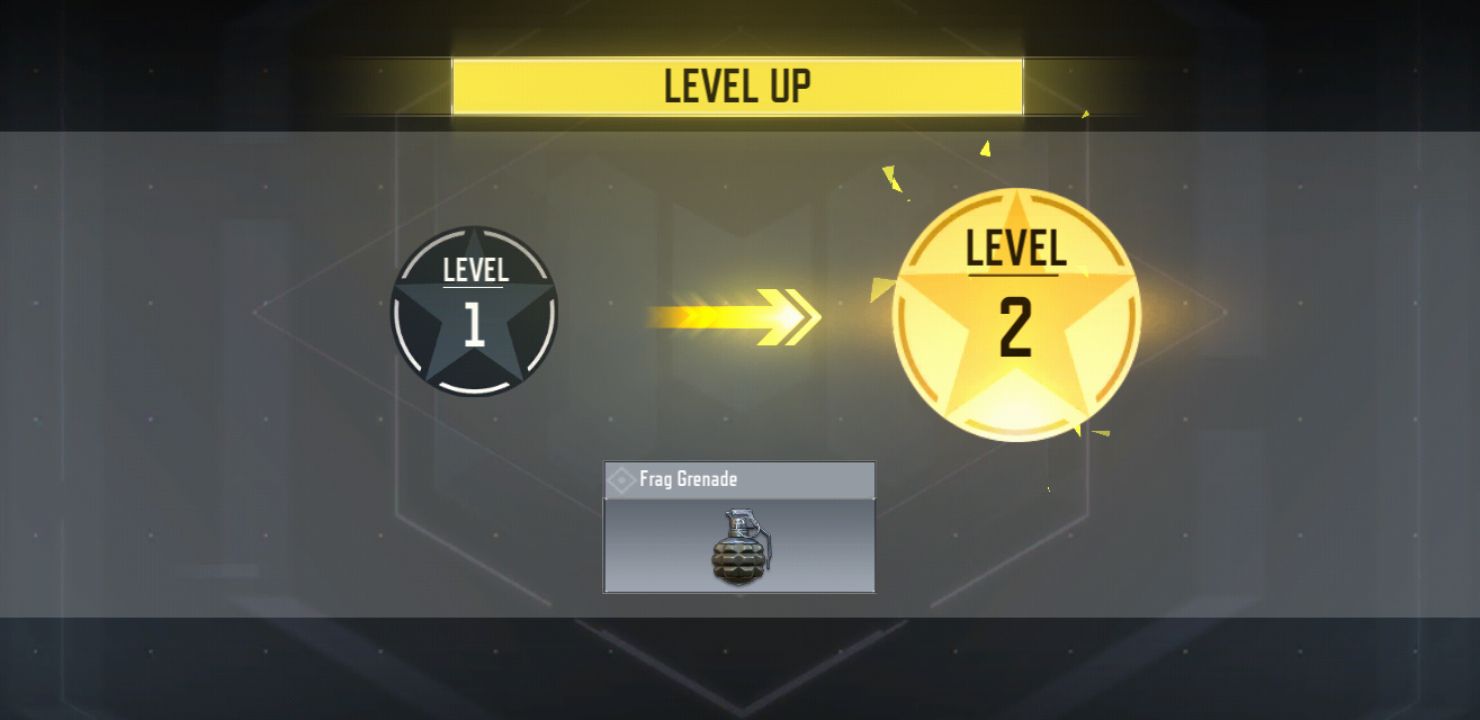
Playing games earns experience and levels up your character. You unlock new weapons, equipment, camos, and accessories by leveling up or spending Credits and COD Points. The difference is that Credits are earned through gameplay, while COD Points are a premium currency purchased for real money.Classic multiplayer and battle royale
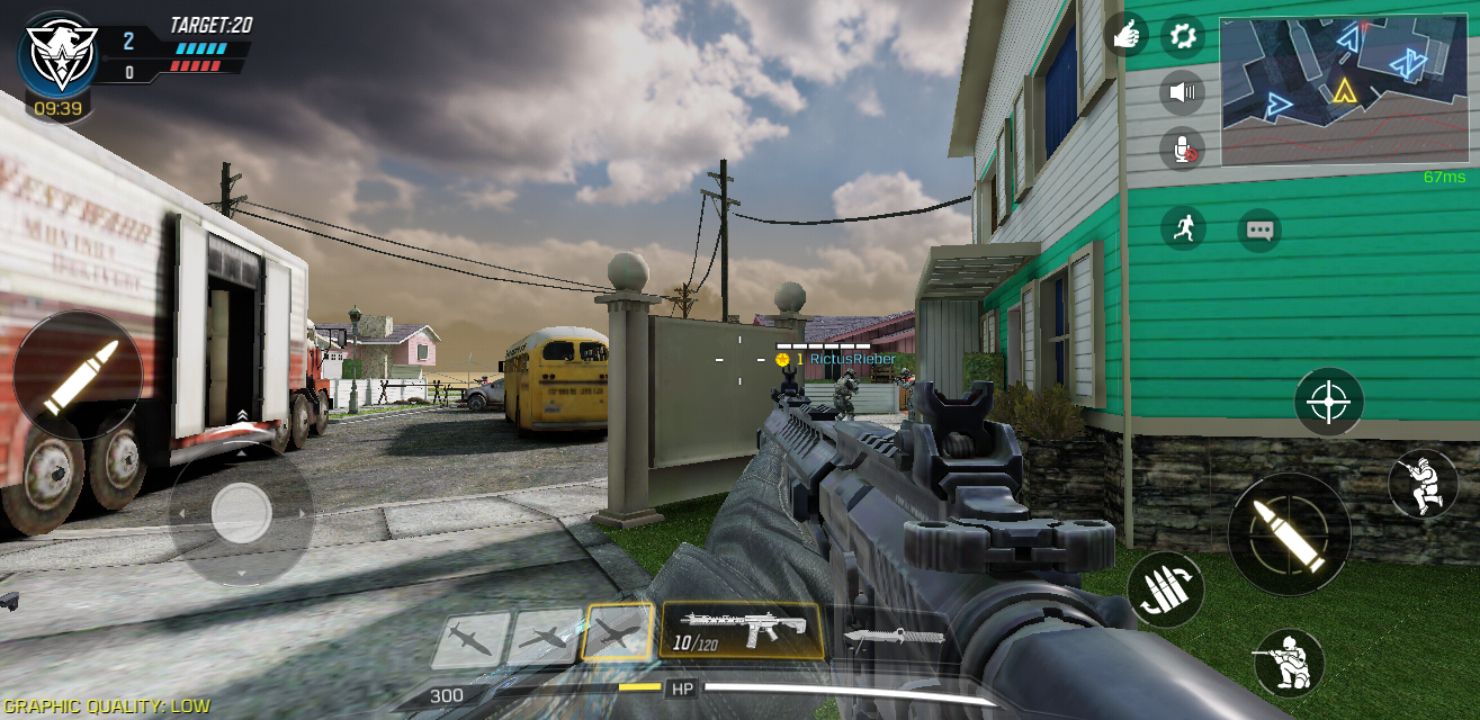
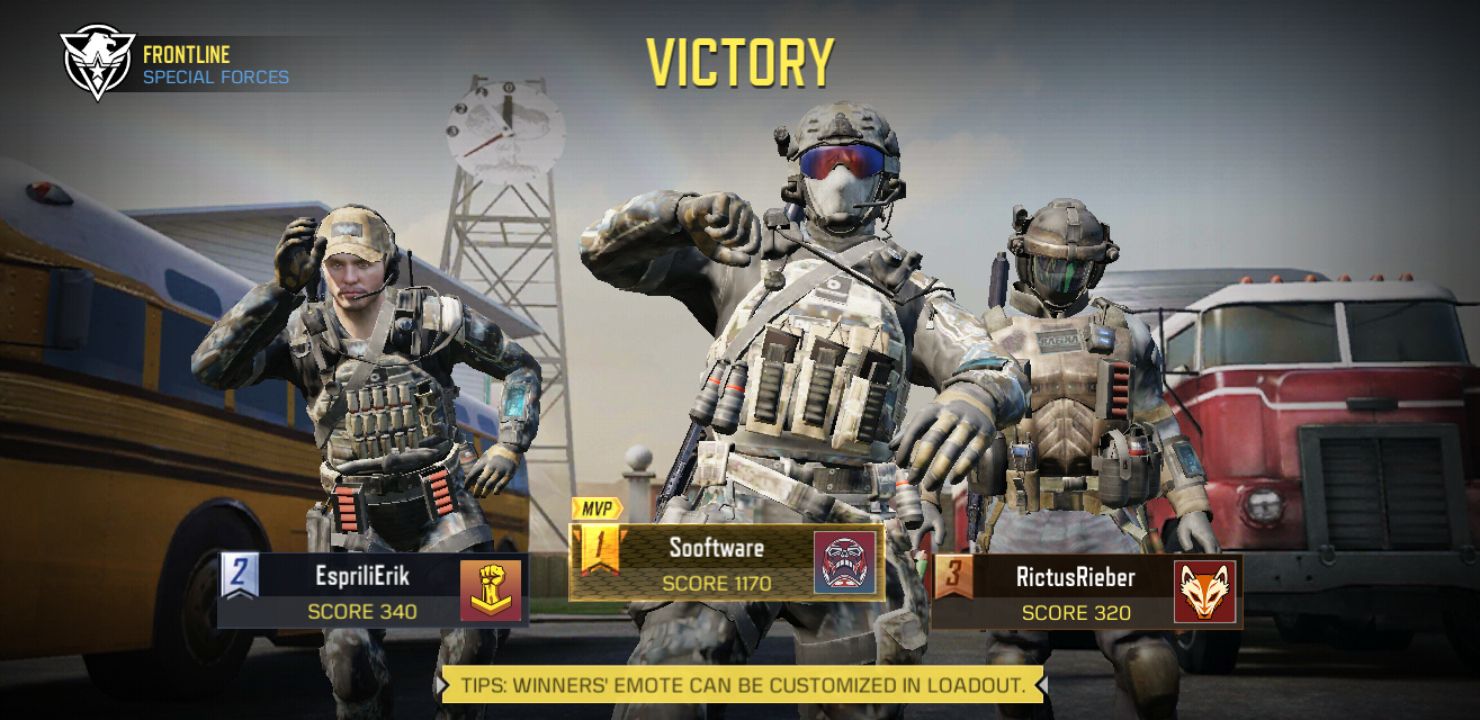
Game modes include Frontline and Team Deathmatch from level 1. You basically need to kill players on the opposing team! You can also practice against AI to improve your skills. After that, new modes such as Domination and Search & Destroy are unlocked as you progress. That's not all! The Battle Royale mode also unlocks as you level up. It's pretty much another entry based on the same formula: 100 players, a single map, the safe zone is shrinking, and you can play in teams!Mastering the touchscreen controls
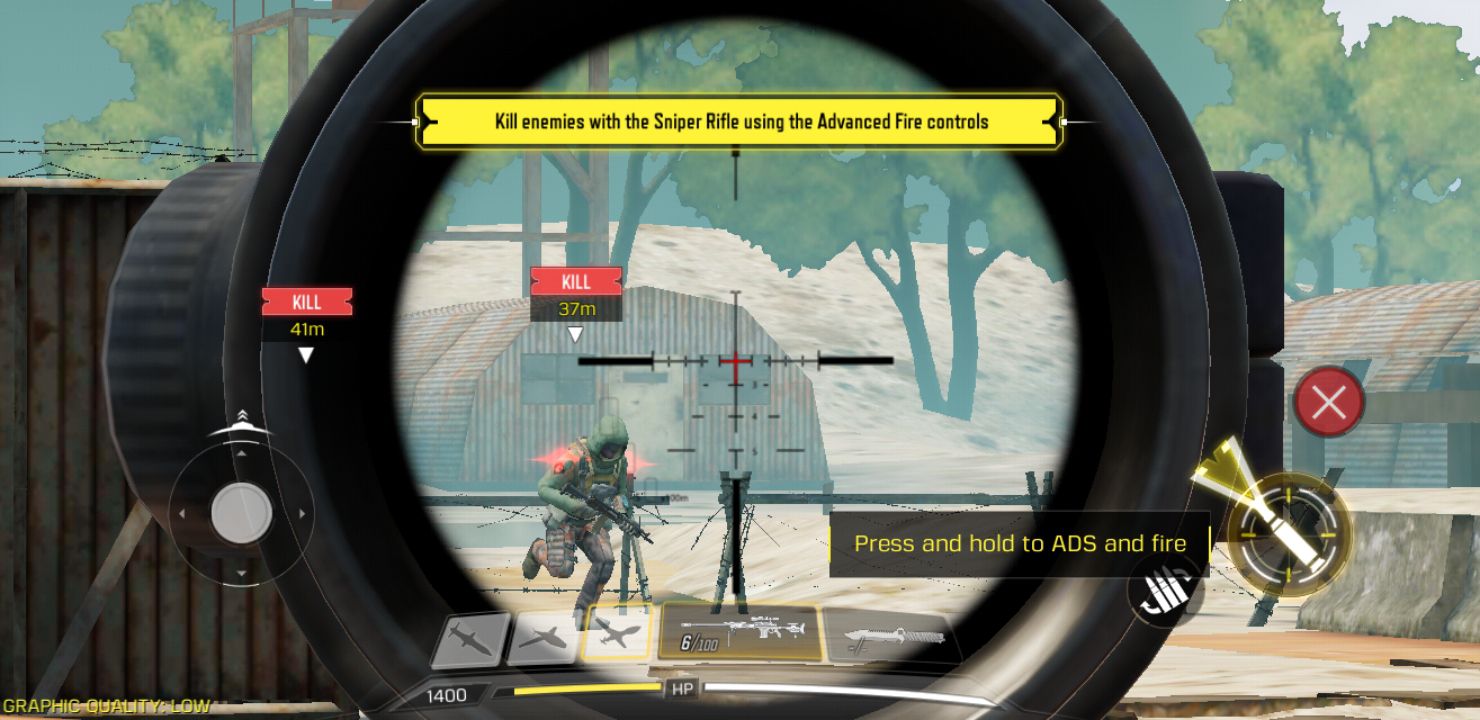
The gameplay is simple enough. The game is played in the first-person view. The first option is to fire as soon as your scope has aimed at the enemy. It can be very useful in close combat, but it removes any strategy from the gameplay. The second option is the standard UI where you have the fire button on the screen. The left part of the screen is for moving and the right part is for firing. You can crouch, jump, reload, switch weapons, and throw frag grenades! After achieving a killstreak, you can activate a radar to scan for enemies, launch a drone to kill enemies, or call for an airstrike at any position on the map!